Enterprise hotline:020-86064436| After-sales hotline:020-26269545


-
Solution
Rattop audio and video digital products are widely used in education, government, enterprises and institutions, emergency management, smart cities, rail transit, telecommunications, power, manufacturing and many other fields!
View More >Education industry Medical place Transportation Industry Government and enterprise units Service Industry Cultural tourism Manufacturing industry Sports venues Judiciary More Programs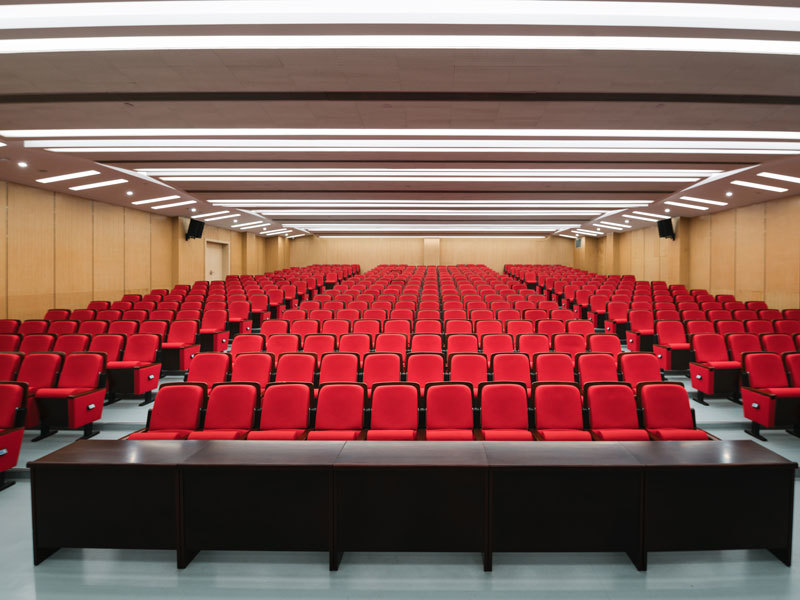 Campus Report Hall Conference System Construction Scheme
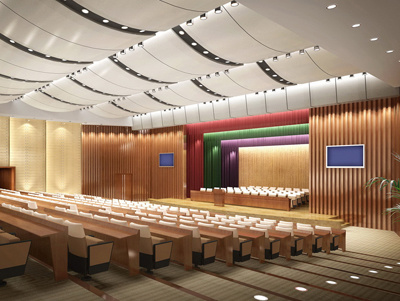
The multimedia lecture hall mainly realizes various functions such as various large, medium and small international conferences, ordinary conferences, entertainment performances, multimedia screenings, reports, training, lectures, synchronous recording of conferences, intelligent centralized control, etc.
 Campus Broadcasting System Construction Scheme
The digital IP network broadcasting system adopts the TCP/IP network technology widely used in the world today, and transmits the audio signal in the form of data packets on the local area network and wide area network.
 Campus Conference Room Conference System Construction Scheme
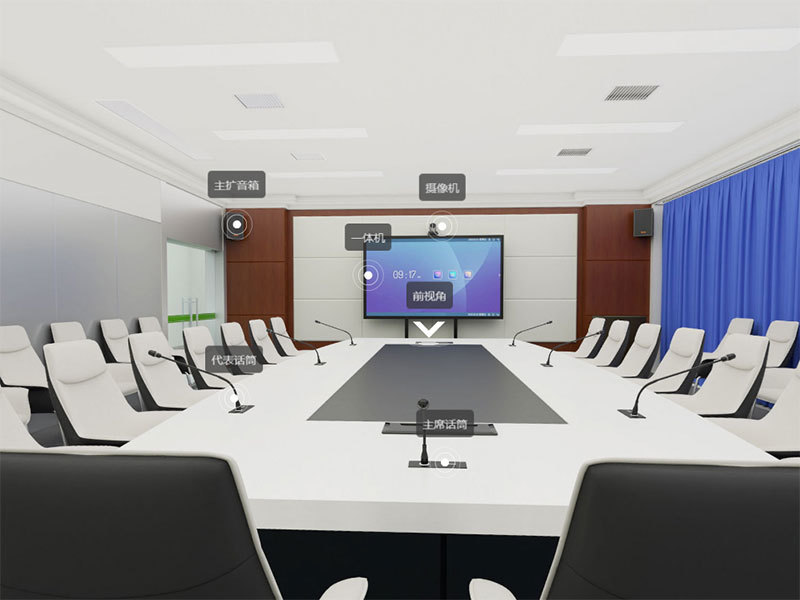
The school conference room is generally used for academic reports, small and medium-sized meetings, video conferences, training, organizing school activities and receiving visitors.
 Construction scheme of professional sound reinforcement system in campus gymnasium
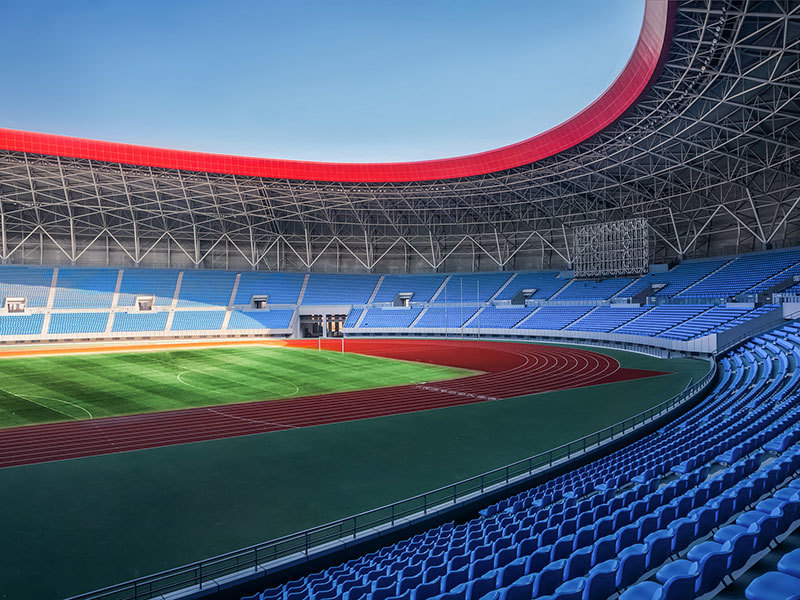
The school gymnasium is mainly used to host school basketball, volleyball, table tennis, badminton and other competitive sports competitions, and is also used for multi-functional use such as assemblies and large-scale cultural and entertainment activities.
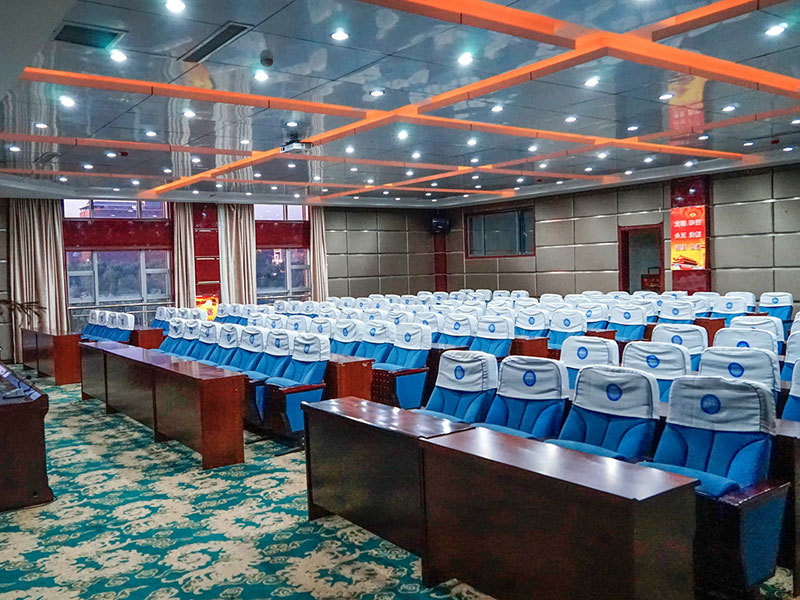 Hospital Report Hall Conference System Solution
The multimedia lecture hall mainly realizes various large, medium and small international conferences, ordinary conferences, entertainment performances and multimedia screenings.
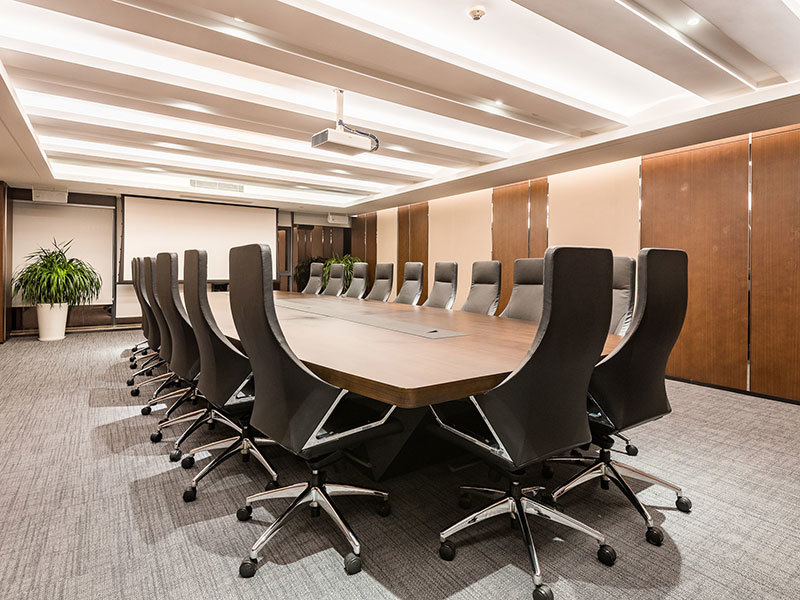 Meeting System Solution of Hospital Meeting Room
The use of the hospital conference room is very extensive, generally held for various meetings within the hospital, academic exchange meetings, patient reception and consultation
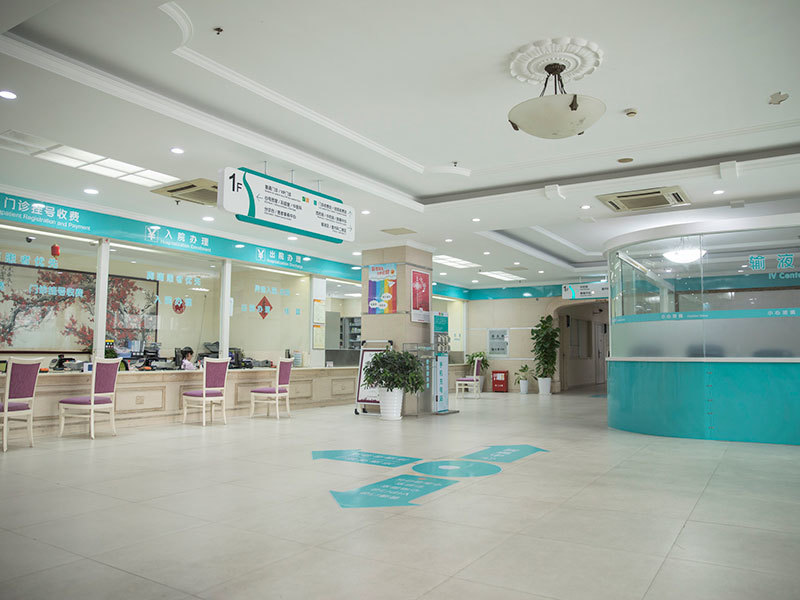 Solution of Public Broadcasting System in Hospital Park
The digital IP network broadcasting system uses TCP/IP network technology, which is widely used in the world today, to send audio signals in the form of data packets.
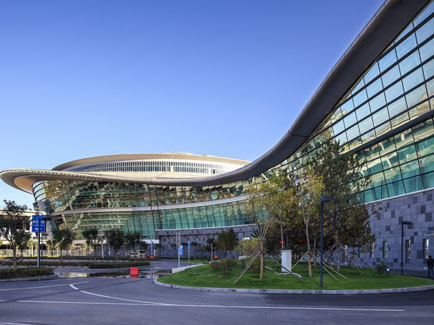 Solution of Station Public Address System
The digital IP network broadcasting system adopts the TCP/IP network technology widely used in the world today, and the audio signal is in the form of data packets in the local area network.
 High-speed public address system solutions
Highway broadcasting system plays a very important role in traffic operation, passenger service, disaster prevention and rescue, equipment maintenance and so on. When the subway passenger flow surges caused by major events and festivals, as an important means of implementing emergency passenger transport organization, it provides guarantee for the operation organization of large passenger flow.
 Solution of High-speed Visual Intercom Broadcasting System
The visual network broadcasting intercom system integrates the network digital audio transmission system and the network intercom system. The main equipment in the system can be used as broadcasting equipment or intercom equipment. The two systems are compatible with each other to realize centralized management and unified control.
 Airport Public Address System Solution
The digital IP network broadcasting system adopts the TCP/IP network technology widely used in the world today, and transmits the audio signal in the form of data packets on the local area network and wide area network, which completely solves the problems of poor sound quality, complex maintenance and management, and poor interactive performance of the traditional broadcasting system.
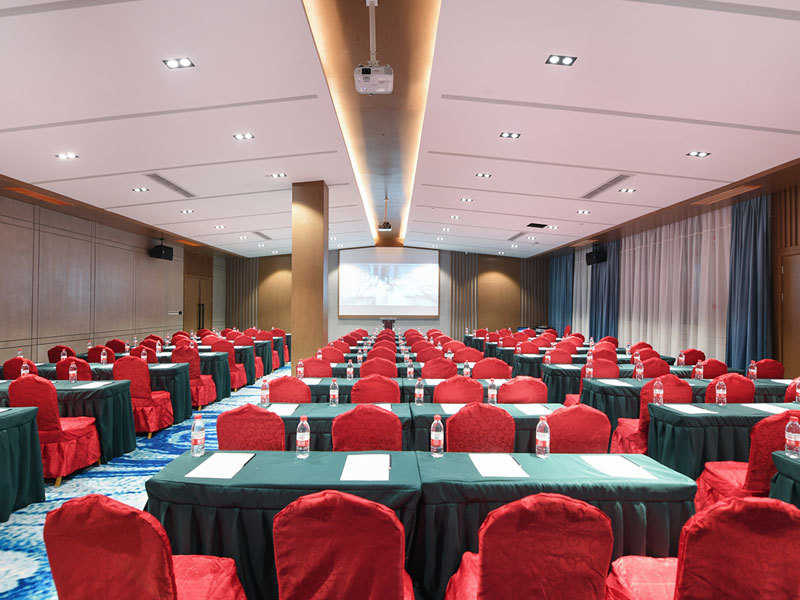 Airport Meeting Room Multimedia Conference System
Airport meeting rooms are generally used for various business meetings, training and education, volunteer and volunteer organizations, and temporary office purposes. The airport meeting room provides a convenient and professional place to meet the needs of different organizations and people.
 Government and Enterprise Unit Building Broadcasting System Solution
Government and enterprise units play an important role in serving the society, creating culture, providing employment opportunities, providing high-quality products and services to consumers and feeding back the society.
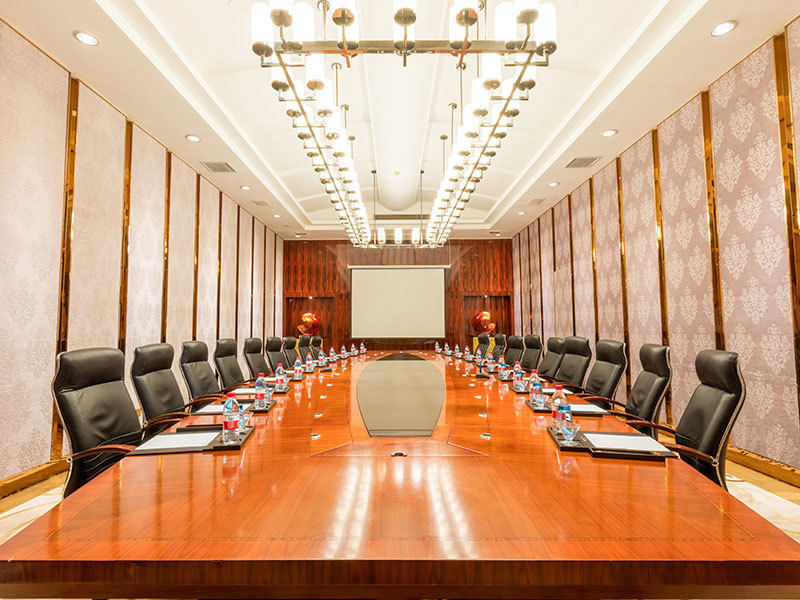 Solution of Conference Sound Acoustic System in Conference Room of Government and Enterprise Units
The conference room of government and enterprise units is an important workplace and communication platform, which is widely used and diversified. The equipment selection of meeting room audio sound reinforcement system should be based on the functional requirements of the meeting place.
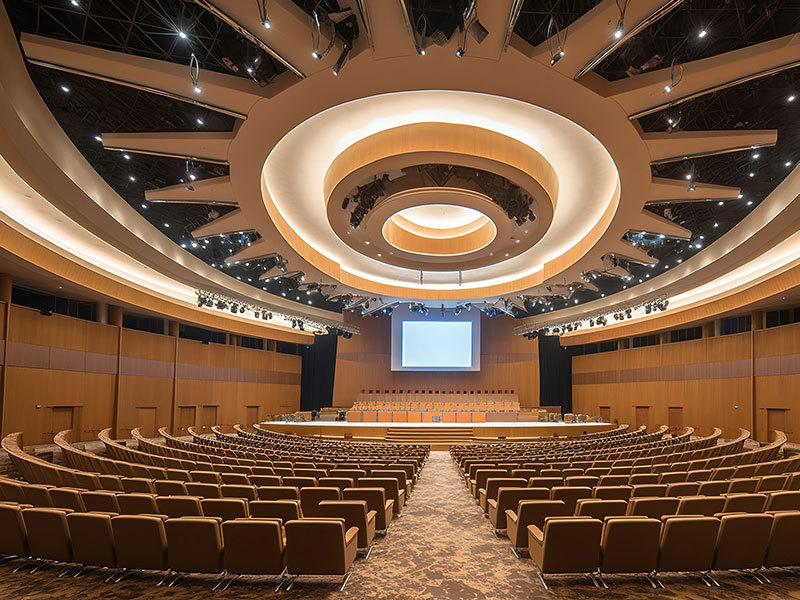 Multimedia Conference System Solution for Government and Enterprise Conference Room
As an important place for enterprises, governments and other important units, leaders and employees discuss and solve work problems together. The requirements for conference rooms are getting higher and higher. Various intelligent systems are needed to ensure the stability, safety, convenience and efficiency of the meeting agenda.
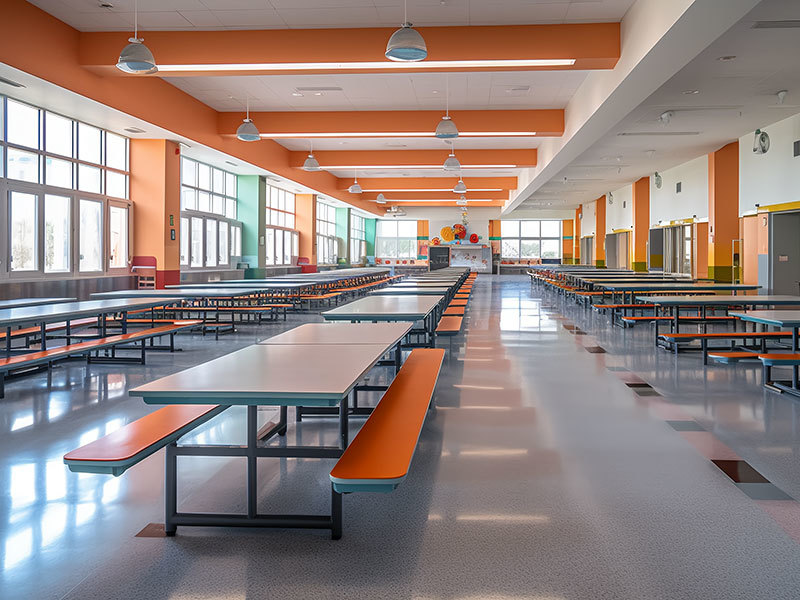 Restaurant Public Address System Solution
The application of public address system in restaurants is constantly integrating into the needs and trends of the times. This application is not just to provide background music, but through a variety of ways to enhance the dining experience, convey information and create a distinctive atmosphere.
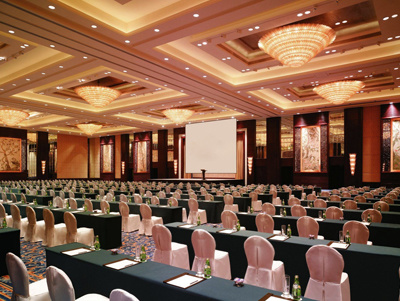
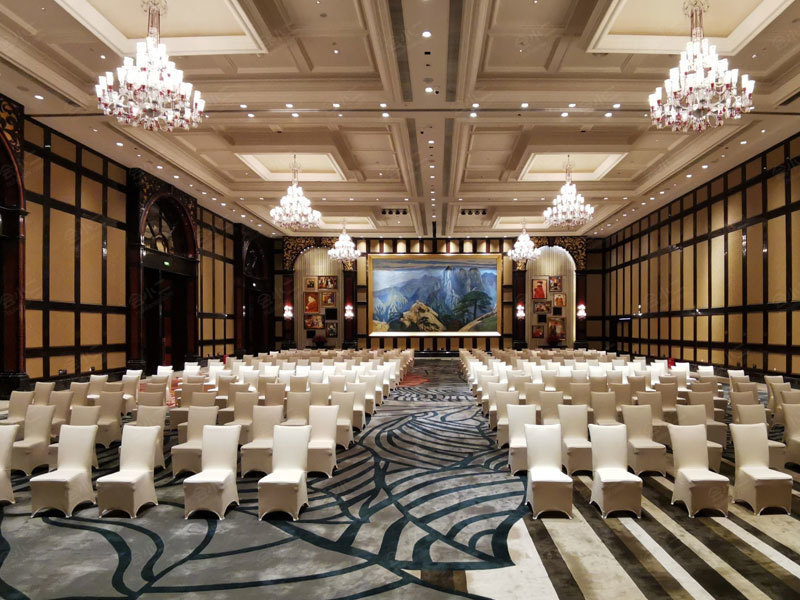 Hotel Ballroom Conference Sound System Solution
The selection of audio sound reinforcement system equipment in the banquet hall should be based on the functional requirements of the meeting place and combined with the actual building layout conditions. The principle of system configuration should follow the principles of applying new technology, reasonable system configuration, stable and reliable system operation and convenient operation.
 Hotel Smart Cloud Broadcasting System Solution
The hotel's broadcasting system is mainly to cover up the noisy noise, to provide guests with a leisurely and fresh environment, to ease the mood of the guests, as well as broadcast notification, search for people and other public broadcasting functions.
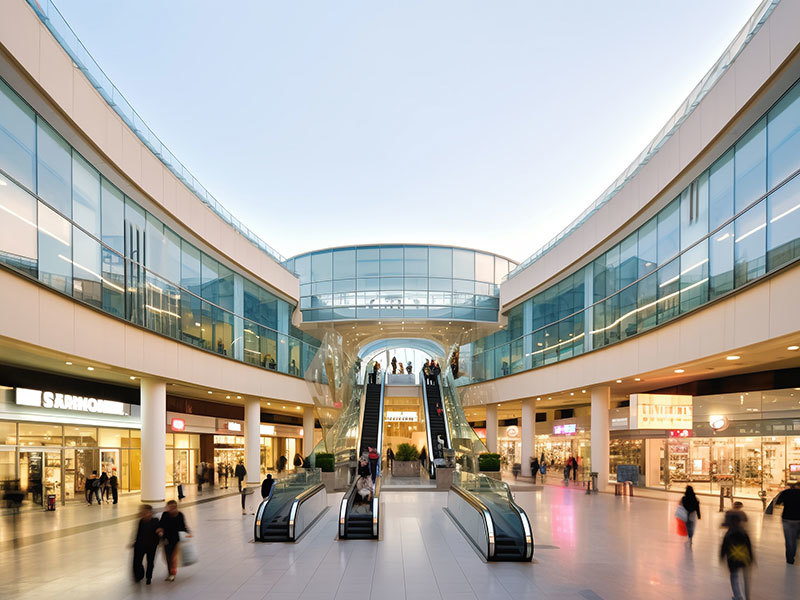 Shopping Mall Public Address System Solution
In recent years, with the continuous development of the economy, China's residents consumption level continues to improve, shopping demand has also been rapid development, shopping malls are a collection of food, entertainment, leisure and a variety of business activities in one of the public places
 Solution of Community Smart Cloud Broadcasting System
As one of the most important information dissemination tools to create a harmonious environment in residential quarters, the public broadcasting system has become an indispensable system for the normal operation of many residential quarters, which is inseparable from the intelligent weak current system in residential quarters.
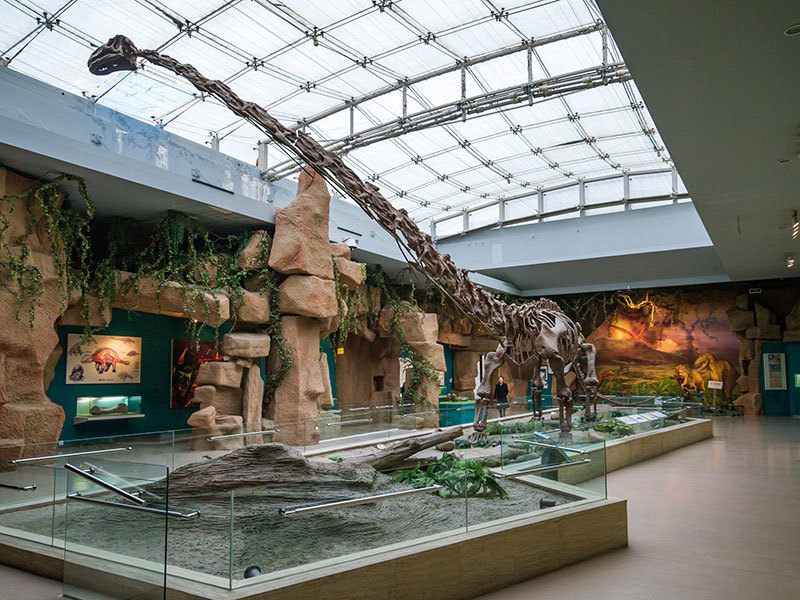 Solution of Public Broadcasting System in Museum Library
In museums and libraries, the application of public address systems is becoming more and more important. As public cultural institutions, museums and libraries bear the important responsibility of publicizing cultural knowledge, educating the public and providing information services.
 Solution of Public Broadcasting System in Park Scenic Area
In recent years, the warming of tourism has accelerated the informatization construction of parks and scenic spots. Especially in terms of tourist safety and scenic spot management, tourism units have adopted new technologies and new products to carry out substantial transformation and construction to meet the needs of the expanding tourism market.
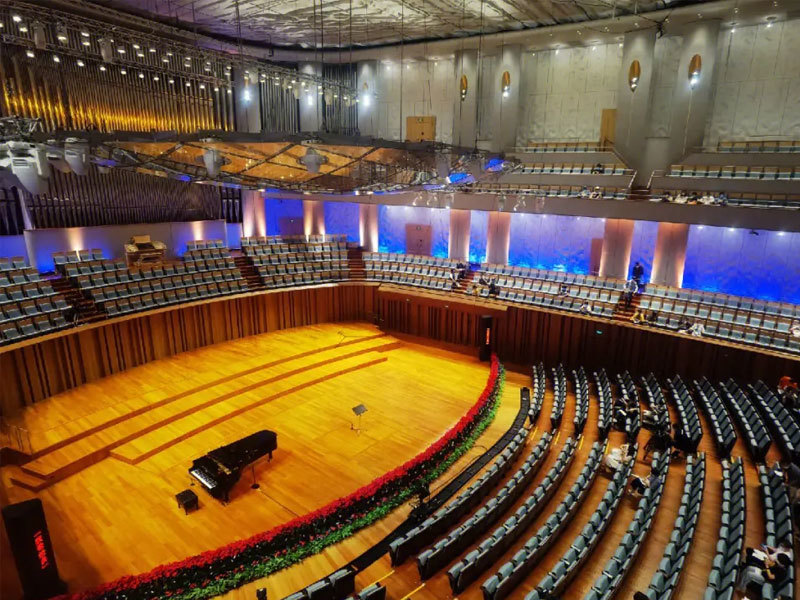 Theatre Concert Hall Conference Sound System Solution
Driven by the background of the times, the theater music multimedia conference sound reinforcement system integrates advanced audio and video processing technology, wireless technology and interactive functions to achieve high-quality, flexible and convenient music performance and conference experience.
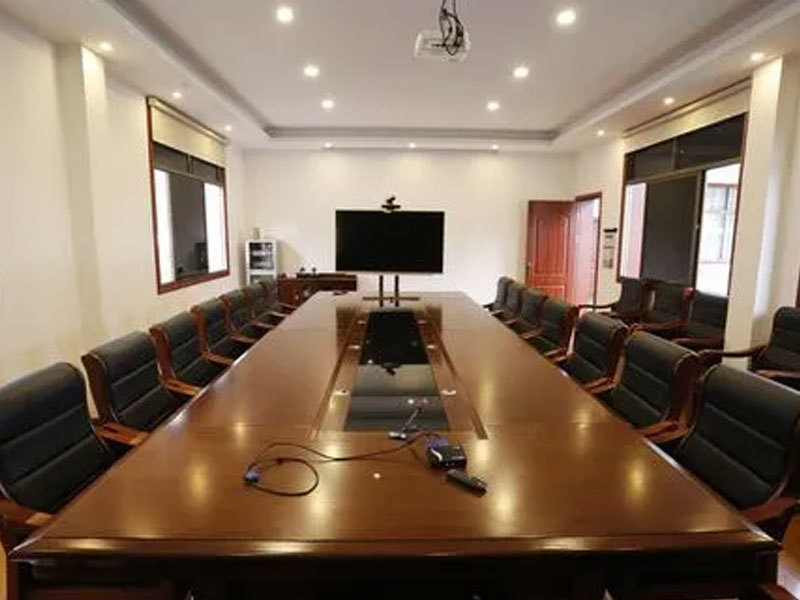 Factory Meeting Room Multimedia Conference System Solution
As an important meeting place for government and enterprises, multimedia conference rooms are used by leaders and employees to discuss and solve work problems. The requirements for conference rooms are getting higher and higher. It is necessary to match various intelligent systems to ensure the stability, safety, convenience and efficiency of the meeting agenda.
 Factory Visual Intercom Broadcasting System Solution
The IP network visual broadcast intercom system integrates the IP network digital broadcast system with the IP network intercom system. The main equipment in the system can be used as broadcast equipment or as intercom equipment. The two systems are compatible with each other to realize centralized management and unified control.
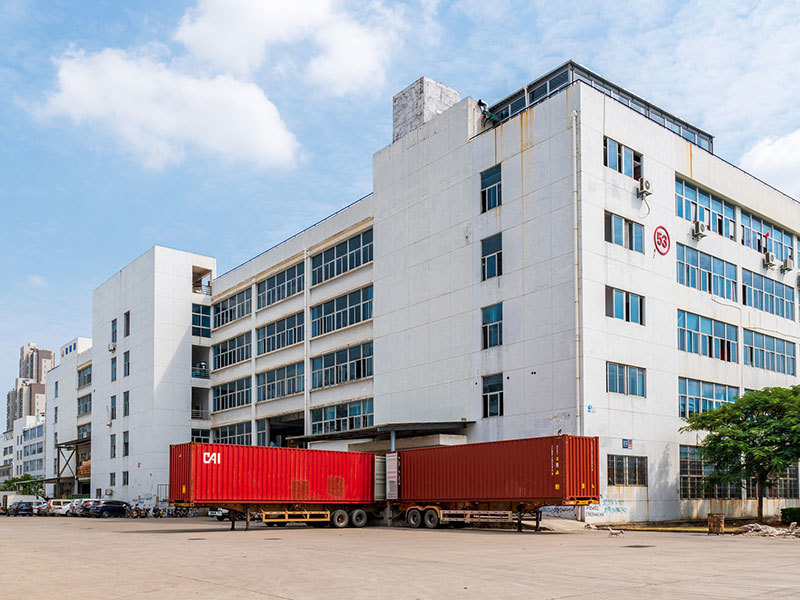 Solution of Factory Digital IP Network Broadcasting System
In order to strengthen the management of the factory area and create a comfortable and relaxed working environment, many modern enterprise factories have the need to build and transform an IP network broadcasting system, including factory fire safety.
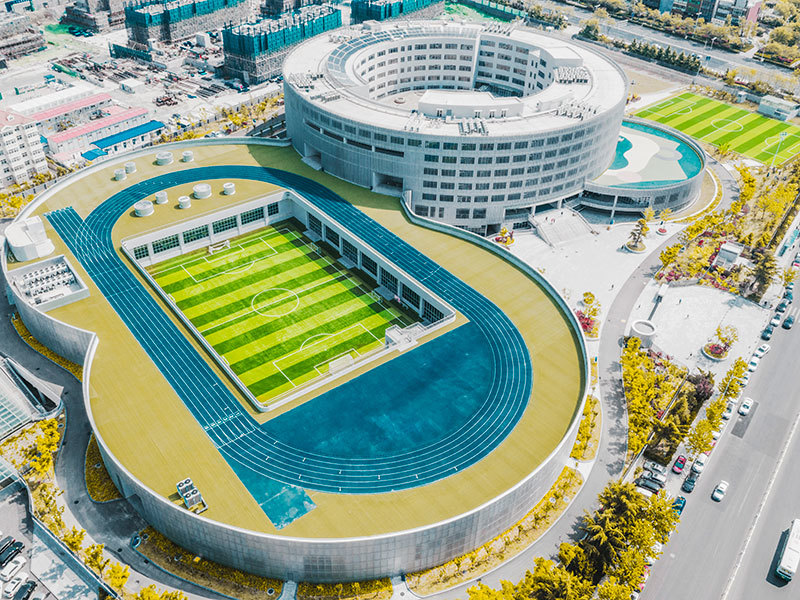 Solution of Digital IP Network Broadcasting System for Stadium
A gymnasium is a venue for sports competitions, performances and other large-scale events. In order to provide a good viewing and listening experience, digital IP network broadcasting system is widely used in the stadium.
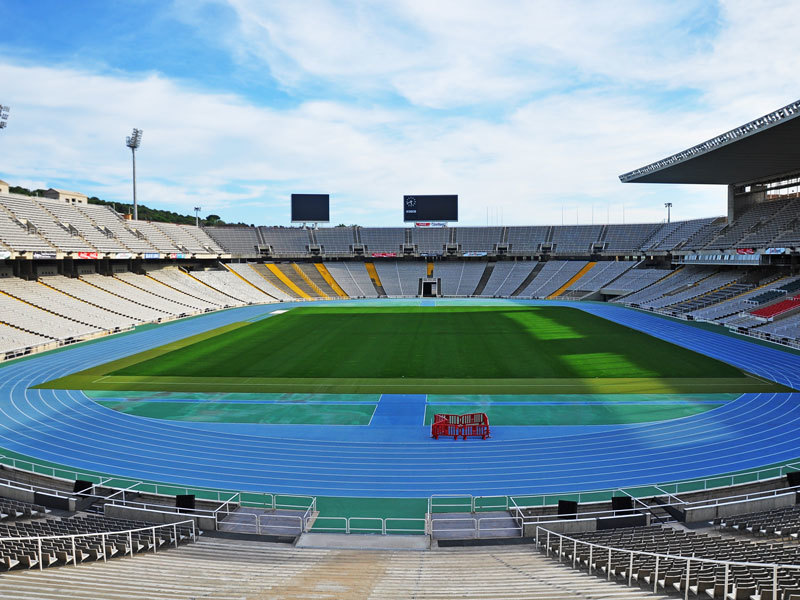 Gymnasium conference sound reinforcement system solution
With the continuous progress of technology, the technology of conference sound reinforcement system is also constantly innovating and developing. The new generation of sound reinforcement system can realize digital audio transmission, networked operation and intelligent control, and provide more high-quality and convenient audio experience for sports venues.
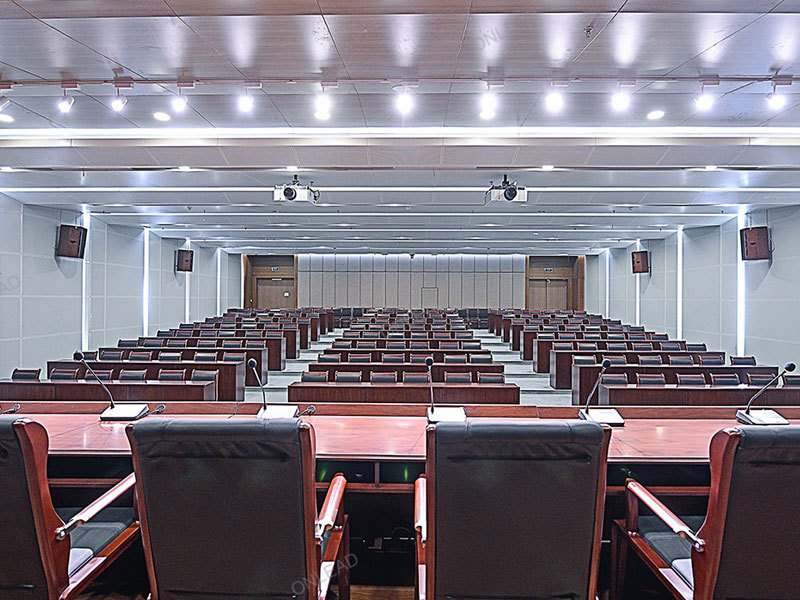 Judicial organ report hall meeting system solution
The construction of the multimedia conference system in the report hall of the judicial organ is closely related to the development of the times and the actual needs. It can meet the informatization needs of the judicial organ, the needs of cross-regional cooperation, and the needs of real-time and effective communication.
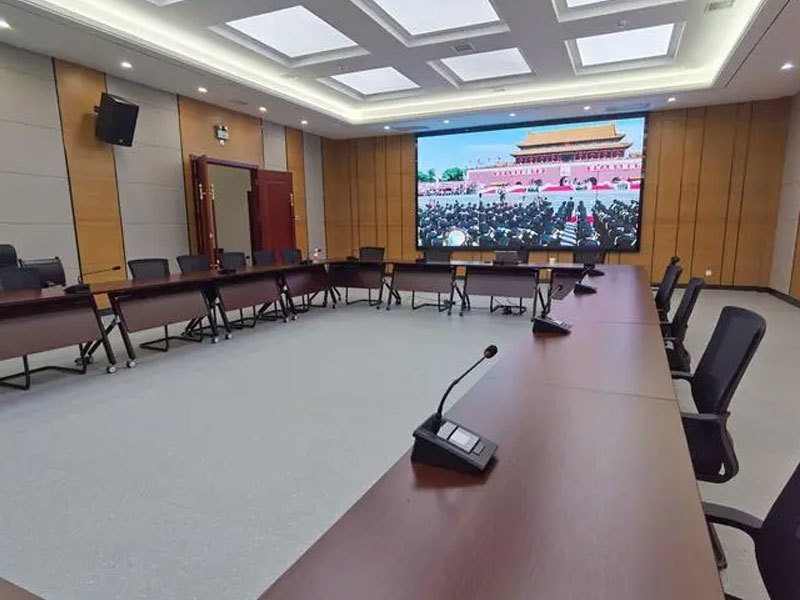 Judiciary Multimedia Conference Room
As an important place for judicial organs and other important places, leaders and employees discuss and solve work problems together. The requirements for the conference room are getting higher and higher, and various intelligent systems are needed to ensure the stability of the meeting agenda.
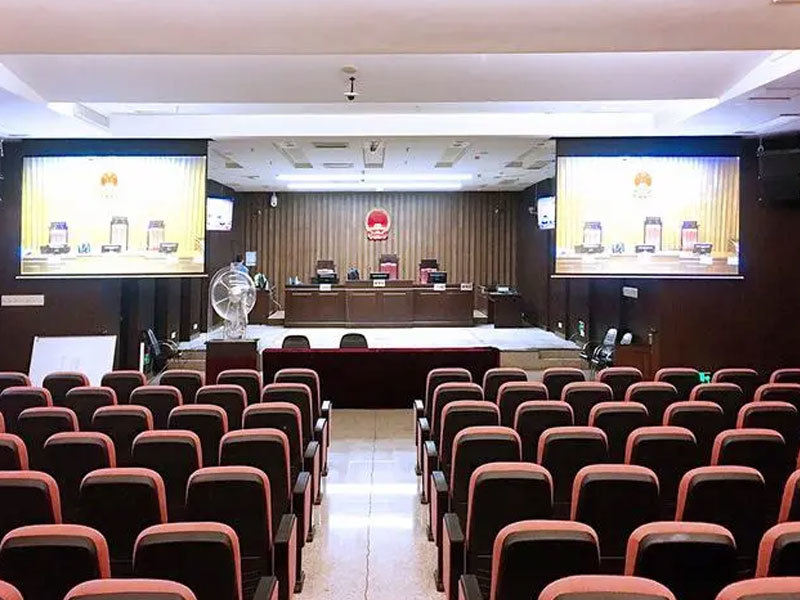 Solution of Sound Acoustic System for Meeting Room of Judicial Organs
The application of the conference sound reinforcement system in the conference room of the judicial organ can improve the sound transmission effect, improve the communication efficiency of the participants, and provide flexible volume and sound control.
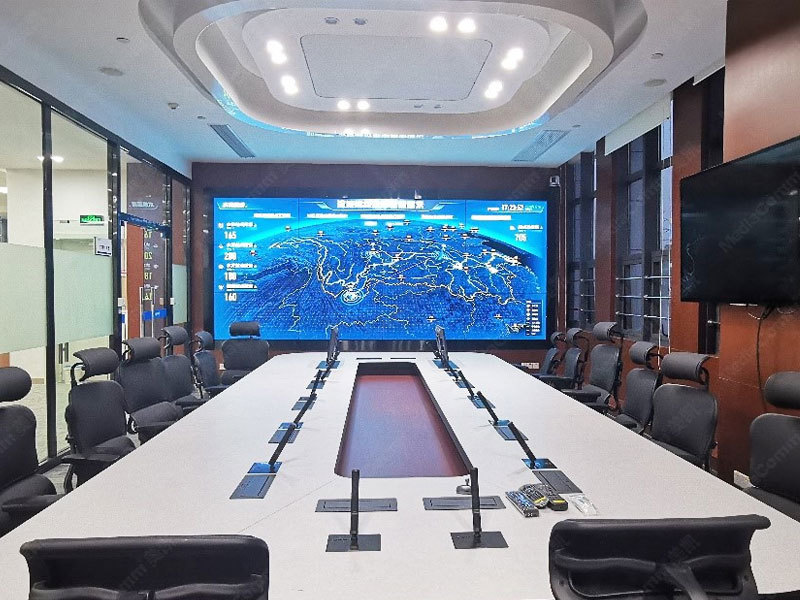 Command Center Conference System Solution
The command center is a place for consultation and command during the handling of public incidents. It has the function of holding a video conference, which is convenient for leaders to listen to the situation report and expert consultation suggestions, and conduct remote command. With image access function
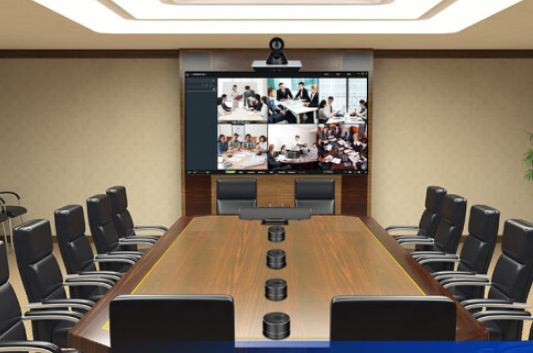 Distributed Audio and Video Management System Solution
The distributed audio and video integrated management system is dominated by command technology and information technology, making full use of modern communication technology, network technology, automation technology, electronic monitoring and other advanced technologies, building a data transmission network as a link, supported by computer information systems.
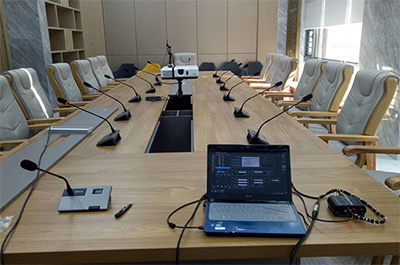 Conference Speech System Solution
The conference presentation system includes a traditional conference system, a wired digital conference system, a wireless conference system, and a 5G WIFI conference system, which provides participants with functions such as discussion, voting, sign-in, camera tracking, and simultaneous interpretation during the conference.
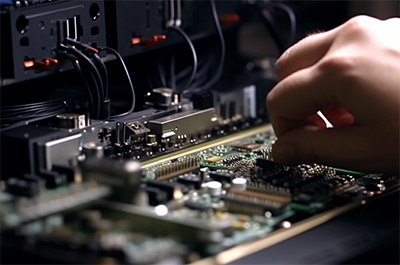 Conference sound reinforcement system solution
The conference sound reinforcement system includes sound reinforcement equipment and sound field components, mainly including sound sources and its surrounding sound environment, the sound into electrical signals of the microphone, signal amplification and signal processing equipment, transmission lines, the signal into acoustic signals of the speaker and the acoustic environment of the audience area.
 System Solution of Conference Recording and Broadcasting System
The conference recording and broadcasting system mainly uses the recording and broadcasting host with various audio and video equipment to realize real-time recording of various materials such as the speeches of the conference personnel and the conference process in the conference. It can also allow people outside the conference hall to remotely access the recording and broadcasting host through mobile phones or computers through web pages to watch in real time and participate in the conference remotely, thus meeting the use needs of many enterprises.
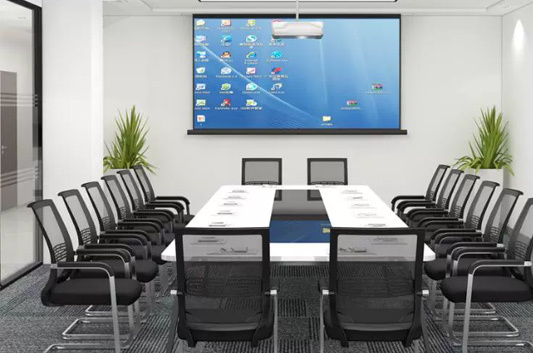 Conference all-in-one system solution
The conference all-in-one system has the functions of writing, annotation, video conference, one-button screen projection, document management, etc. It integrates curtain, projector, electronic whiteboard, monitor, computer, advertising machine and audio, and can easily realize various conference scenes, product display and publicity, etc.
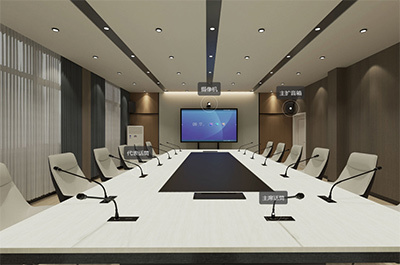 Meeting Reservation System Solution
The conference reservation system is an intelligent management system that integrates reservation management and sign-in recognition. Conference organizers can make reservations through the software platform, conference terminal equipment and WeChat public number, and can find free conference rooms that meet the requirements at a glance through real-time conference monitoring information.
-
Products
Rattop's public broadcasting system includes smart cloud platform broadcasting, village-to-village broadcasting, highway broadcasting, visual docking broadcasting, etc......
View More >Public address system Conference System Lighting system Conference management system Distributed audio and video management system Smart Cloud Platform Digital Network Broadcasting System
The intelligent cloud platform IP network broadcasting system is based on the mobile Internet and the Internet of Things environment. It adopts cloud computing, big data processing technology and distributed server architecture "cloud platform system". It controls the front end and terminals to access through the Internet or mobile Internet. It provides real-time and reliable audio broadcasting, paging and shouting, cross-regional, multi-platform management and other functions for large-scale broadcasting terminals.
 Visual intercom system
In order to cooperate with the "Thirteenth Five-Year Development Plan for Transportation Informatization" and adapt to the informatization development of the expressway industry, the integrated communication command technology is applied to the daily management of the expressway, and the intelligent operation of the expressway is realized. Highway visual intercom command and dispatch system solution. Through the integration of intercom with highway toll booth, emergency help, emergency broadcast, monitoring and office communication systems, it helps the high-speed industry to maximize management efficiency and economic benefits.
 All-digital two-way IP network broadcasting system
The digital two-way IP network broadcasting system is based on the Internet protocol, which uses network technology to convert analog audio signals into digital signals and transmit them in the local area network. It breaks through the content limitation, space limitation and function limitation of the traditional analog broadcasting system. Diversified broadcasting function design has diversified broadcasting functions such as timing broadcasting, live broadcast on demand, multi-area audio distribution, high concurrency, low delay, constant pressure backup mode, etc. The system is based on the existing computer network construction and does not need to be wired separately, it realizes the all-digital network broadcasting system of audio broadcasting, video monitoring and computer network.
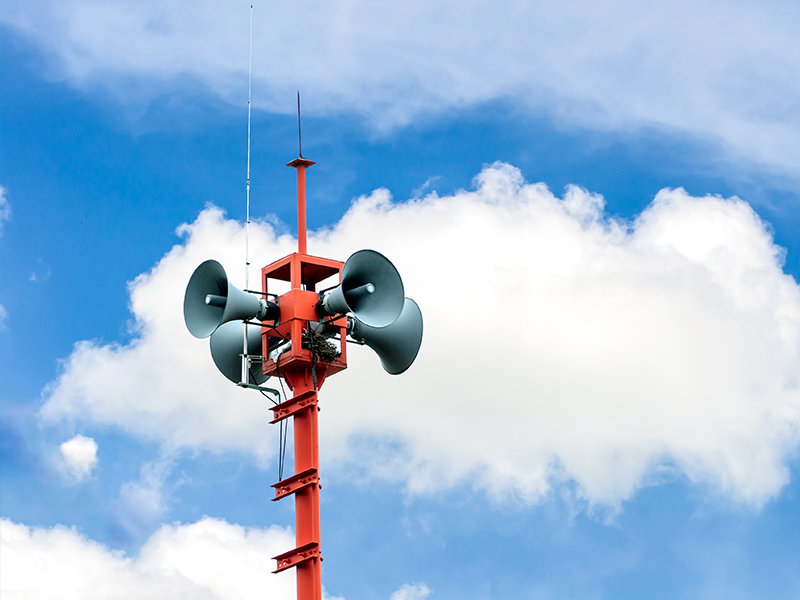 Every Village "Big Horn"
In order to improve the level of public cultural services and help rural revitalization and the construction of a new socialist countryside for digital rural construction, Rattop Technology has joined hands with China Mobile
 5G "cloud" platform broadcast system
The 5G cloud platform broadcasting system refers to the 4G and 5G networks with super coverage as pipelines and intelligent sound columns, intelligent receiver, cloud microphones and other equipment as broadcasting carriers to provide intelligent supervision methods for various management departments and timely transmit information such as policies and regulations, party building knowledge, weather forecast, garbage classification, epidemic prevention knowledge, emergency measures, etc.
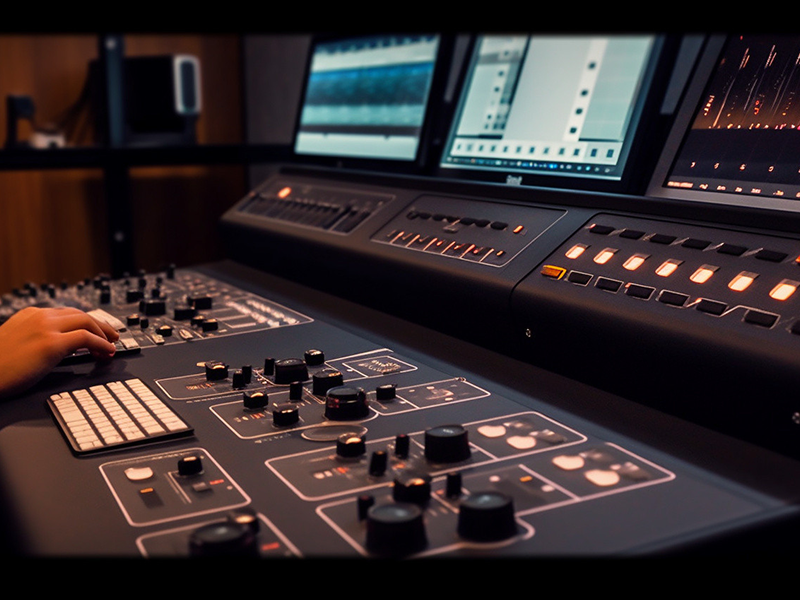 Analog broadcasting system
Analog broadcasting system uses analog technology, the sound quality is slightly inferior to that of digital broadcasting system, but the price is cheaper than that of digital broadcasting system. The main characteristics of analog broadcasting system are low price, easy maintenance and wide application range.
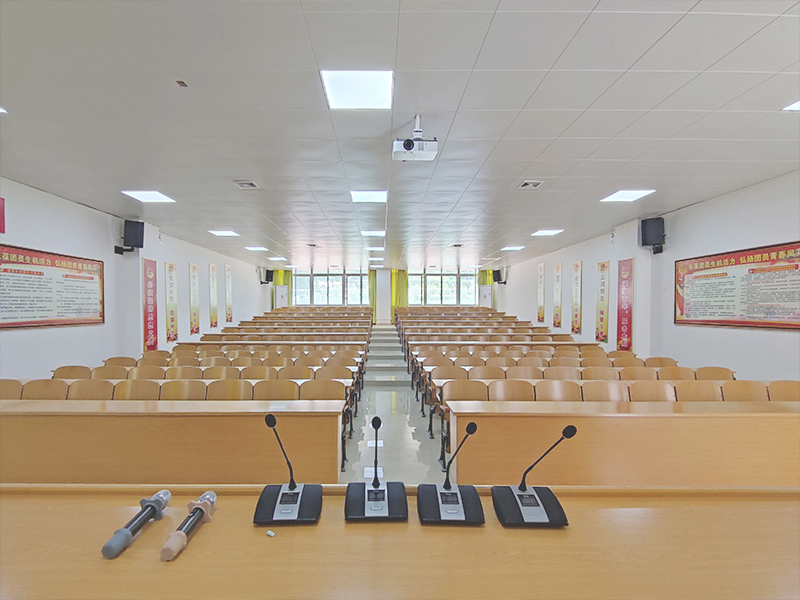 Teaching sound reinforcement system
An instructional sound reinforcement system is an educational sound system specifically designed to provide balanced, clear sound amplification in places such as classrooms or conference rooms. characteristics. It needs to be matched with microphones, speakers and other equipment. After the construction is completed, it will help improve the sound quality and volume of multimedia teaching, and realize the function of easy and free speech and teaching.
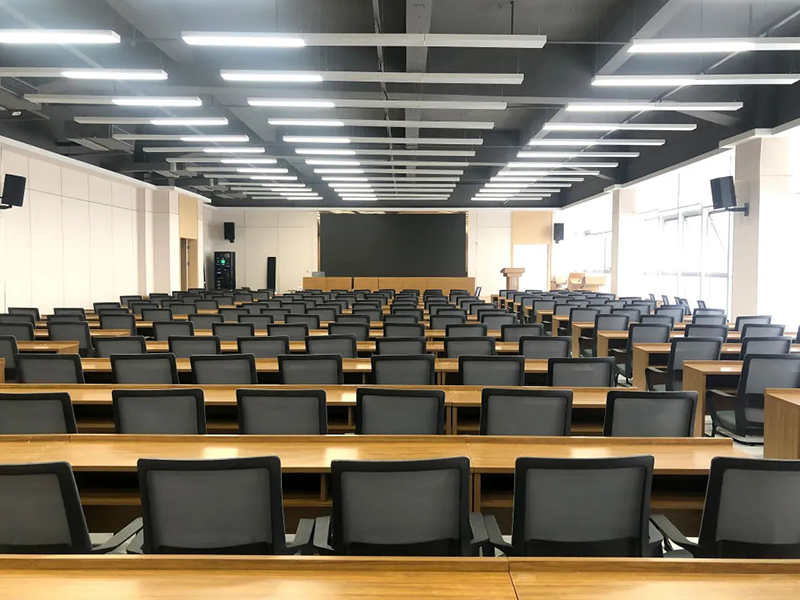 Meeting Hand-in-Hand System
Hand-in-hand conference system is a specially designed conference system, its biggest feature is the use of microphone end-to-end series connection. This system ensures that everyone has an equal opportunity to participate in the discussion and that there is no confusion when speaking at the same time.
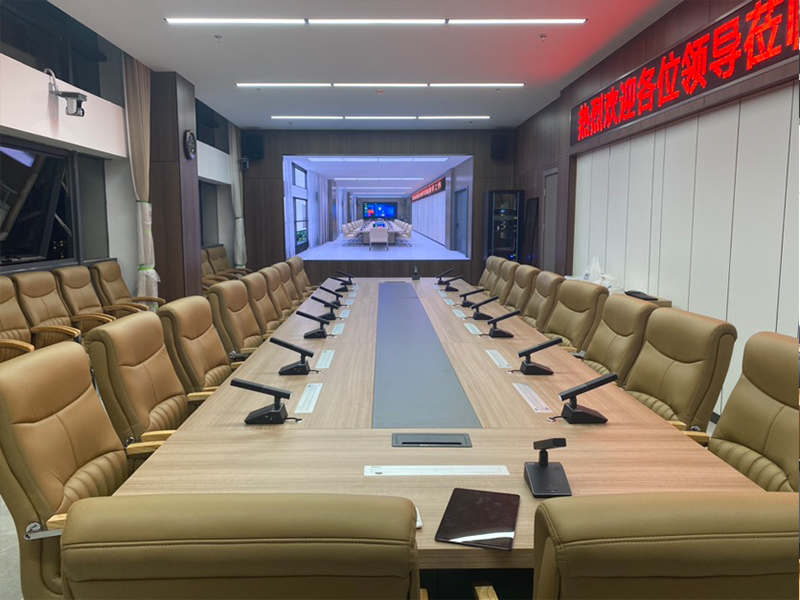 Digital Hand-in-Hand System
With the advent of the mobile Internet era and the development of touch technology and WIFI Internet, Rattop Technology has successfully launched a 5G/WIFI wireless conference system, which adopts standard 802.11n technology
 Conference Microphone (Wired and Wireless)
Conference microphone is one of the important equipment to ensure the smooth progress of the conference. It not only needs to have high-quality sound quality, but also needs to have the characteristics of ease of use, appearance design, anti-howling function and easy maintenance to meet the actual needs of the conference scene.
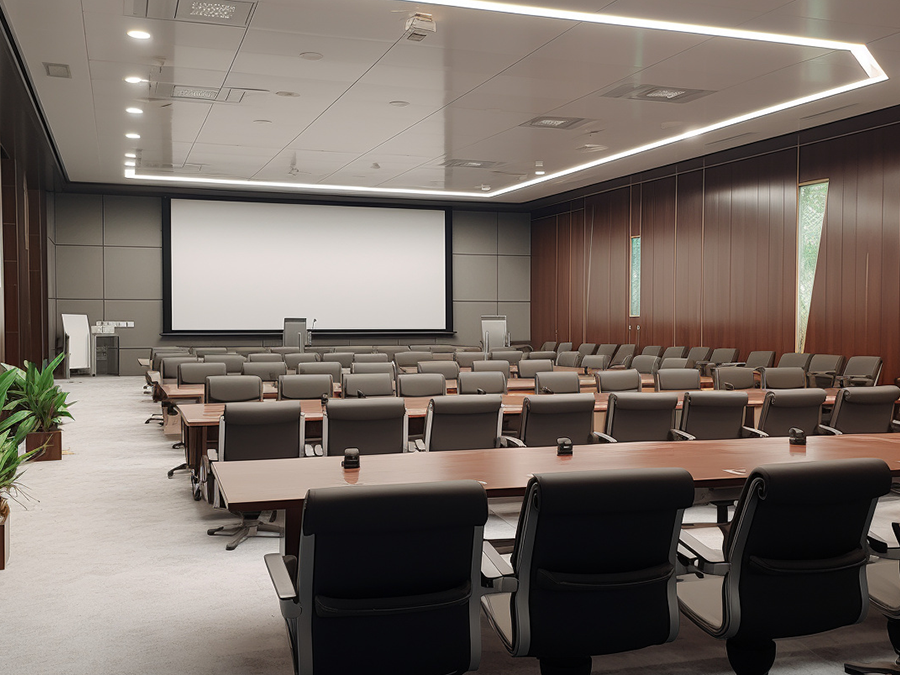 Surrounding the conference
The conference system peripheral equipment refers to the auxiliary equipment related to the conference system. These equipment can enhance the function and performance of the conference system, and improve the efficiency and comfort of the conference.
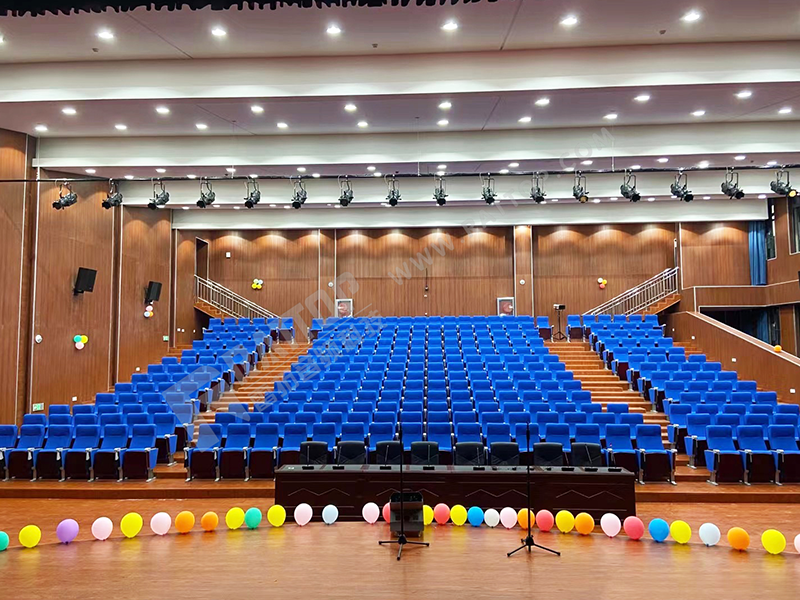 Professional sound reinforcement system
Professional conference sound reinforcement system is suitable for conference sound reinforcement, multimedia activities, theatrical performances and other uses of comprehensive information resources exchange places.....
 Stage Lighting
According to the development of the plot, the characters and specific scenes are rendered visually, and the design intention is reproduced to the audience as a visual image. The stage lighting system of Rattop Technology ...
 Lighting intelligent control
Intelligent lighting control system can be widely used in homes, offices, hotels, shopping malls and other places to improve the comfort and efficiency of life and work.
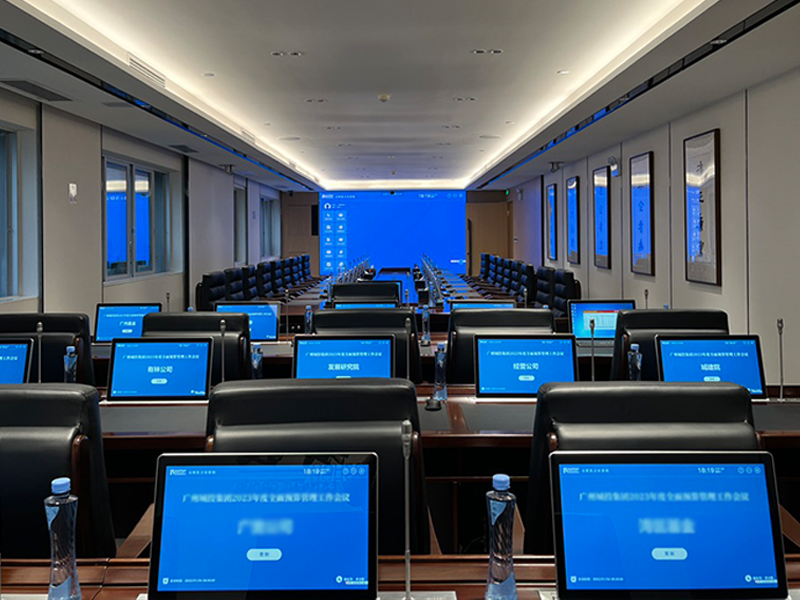 Smart paperless office system
In order to comply with the development of information technology application innovation industry, maintain data security and network security, realize independent control in the field of information technology, and ensure...
 Conference Reservation System
The meeting reservation system is a kind of meeting schedule which can help the organizer to create, manage and query the meeting schedule easily, and ensure that the meeting facilities are reasonably allocated and used.
 Electronic table board system
Electronic table board system is a kind of information that can display the names, positions, departments and other information of participants through electronic screens or mobile devices, so that participants can more easily understand the situation of participants in the meeting.
 Meeting tablet all-in-one machine
The conference tablet all-in-one machine integrates computer, monitor, audio and other functions, and can easily realize various conference scenes, product display and publicity, etc.
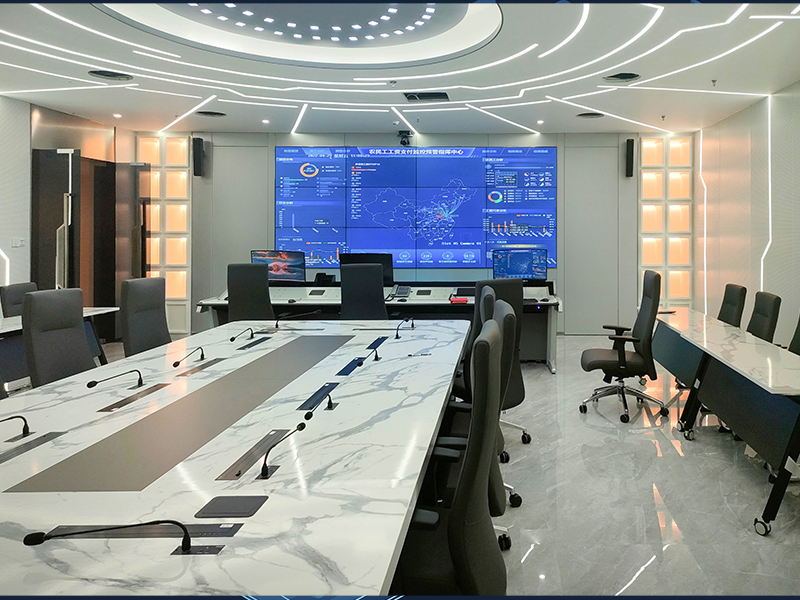 Distributed system
Focusing on the new ecology of the development of the digital economy industry, Rattop Technology's distributed audio and video management system came into being, providing a new concept of management and control platform...
 Central Control/Matrix
With the continuous updating and reform of social information technology, various audio-visual facilities, Internet of things products, multimedia equipment into the daily. Traditional operations are becoming more and more...
-
Case
Rattop Technology is deeply involved in the real economy, and audio and video digital products are widely used in education, government, enterprises and institutions, emergency ......
View More >Education industry Medical place Transportation Industry Government and enterprise units Service Industry Cultural tourism Manufacturing industry Sports venues Judiciary More cases BeijingShanghaiTianjinAnhuiFujianGansuGuangdongGuangxiShandongHainanHebeiHenanHeilongjiangMore Cities
 BeijingShanghaiTianjinAnhuiFujianGansuGuangdongGuangxiShandongHainanHebeiHenanHeilongjiangMore Cities
 BeijingShanghaiTianjinAnhuiFujianGansuGuangdongGuangxiShandongHainanHebeiHenanHeilongjiangMore Cities
 BeijingShanghaiTianjinAnhuiFujianGansuGuangdongGuangxiShandongHainanHebeiHenanHeilongjiangMore Cities
 BeijingShanghaiTianjinAnhuiFujianGansuGuangdongGuangxiShandongHainanHebeiHenanHeilongjiangMore Cities
 BeijingShanghaiTianjinAnhuiFujianGansuGuangdongGuangxiShandongHainanHebeiHenanHeilongjiangMore Cities
 BeijingShanghaiTianjinAnhuiFujianGansuGuangdongGuangxiShandongHainanHebeiHenanHeilongjiangMore Cities
 BeijingShanghaiTianjinAnhuiFujianGansuGuangdongGuangxiShandongHainanHebeiHenanHeilongjiangMore Cities
 -

Service
Focusing on the digital economy industry, and actively complying with the development trend of networked, intelligent, and digital management of the audio and video industry, Rattop ......
View More > -

About Us
Rattop (Guangdong) Technology Co., Ltd. focuses on the digital economy industry. It is a national high-tech enterprise based on the Internet of Things platform with audio as the core......
View More >















Manufacturer of integrated audio and video solutions
News
The solution to the common problems of the conference sound reinforcement system will teach you how to solve the audio problem!
01. How to deal with the whole sound reinforcement system without any sound?
Processing method:
Method 1: Check whether the power supply of the entire sound reinforcement system is normal and whether the power indicator of each device is on;
Method 2: Check whether the protection indicator of the power amplifier is on. If it is on, it indicates that the power amplifier is in a state of over-wet protection or overload protection;
Method 3: Check whether the connecting wires between the equipment are in good contact;
Method 4: Check whether the volume of each device is turned on;
Method 5: Observe whether the battery indicator lights of the mixer, audio processor and power amplifier are shining;
Method 6: Use a multimeter to detect whether the circuit of the speaker is normal. Generally, the impedance of a single speaker is 8 ohms;
Method 7: Use the AC position of the multimeter to detect whether the output interface of the power amplifier has voltage output;
02, speakers have noise how to deal?
Processing method:
Normal noise:
Method 1: If the noise that is basically inaudible 3 meters away is normal noise, the normal noise is the bottom noise of the equipment itself, which cannot be eliminated. The most obvious phenomenon is the "rustling" sound, not the low-frequency communication sound (hum);
Unusual noise:
Method 1: check whether the power supply of the whole system is normal, the normal voltage is between 210 and 240, high or low will have a relatively large noise;
Method 2: Whether the power supply of the whole system is grounded and whether the cabinet is grounded;
Method 3: Check whether the connecting wires between the various devices are in good contact and whether there is virtual welding;
Method 4: Turn off all the pusher of the mixer, and then test all the way to see which one caused it;
Method 5: The input of the power amplifier is not connected to any equipment to see if there is any noise;
Method 6: Check whether the gain adjustment of the mixer is too large, usually half of it can be met;
Method 7: whether the volume adjustment is too large, generally adjust to 0DB;
Method 8: Is there any other equipment connected to the mixer, such as remote video terminals, singing machines, computers, etc. The noise generated by these equipment can only be processed by adding an isolation transformer to the audio line;
03. Wireless microphones and wired microphones will have a relatively large tail sound after speaking, which will disappear after about 1 second. How to deal with it?
Processing method:
Method 1: Check whether the noise of the whole system is within the normal range?
Method 2: By adjusting the parameters in the audio processor, the 6.3K and 8K are generally lowered by 5 to 8DB, and the tail sound will be significantly improved;
04. How to deal with howling in conference microphone and wired microphone?
Processing method:
Method 1: Adjust the angle of the speaker according to the actual situation of the scene, and try not to let the speaker directly hit the microphone;
Method 2: Whether there are sound-absorbing materials for on-site decoration;
Method 3: whether the wiring is correct and whether there is a feedback suppressor;
Method 4: whether the volume is too large;
Method 5: Use SMAARTLIVE software to detect the howling points of the entire venue, and reduce the detected howling points appropriately until there is no howling;
Method 6: The microphone cannot be turned on too much. Generally, 2 to 3 microphones are enough;
Note: Under normal circumstances, the pickup distance of the microphone is normal in two fists, that is, more than 20cm;
05, conference microphone, wired microphone, wireless microphone speech laborious, dull sound, sound is not clear how to deal?
Processing method:
Method 1: Conference microphones, wired microphones, and wireless microphones have difficulty speaking, the sound is dull, and the unclear sound is generally caused by the low-frequency signal being too heavy. Reduce the low frequency appropriately and improve the medium and high frequencies until the effect is the best;
06. The sound box effect of the whole venue is very poor, and the sound field is very messy. How to deal with it?
Processing method:
The first step: according to the design scheme, adjust the angle of the speaker;
The second step: by adjusting the parameters of the mixer, audio processor to achieve the best effect of the speaker;
07, open a conference microphone unit, other conference microphone unit also follow open how to deal?
Processing method: reset the ID number of the conference microphone unit to solve;
08, wireless microphone intermittent speech how to deal?
Processing method:
Method 1: The distance between the wireless handheld microphone and the wireless receiving host cannot exceed the effective distance of the microphone under open conditions, T-521UF 50 meters;, the T-521UH is 100 meters; Beyond this distance, a wireless microphone antenna amplifier must be added;
Method 2: The wireless receiving host cannot be installed in the cabinet, and the doors of the cabinet are fully locked, preferably on the top of the cabinet or on the operating table;
Method 3: If there is a door between the computer room and the meeting place, it is better to open the door during the meeting to prevent the door from shielding the signal. If it is really necessary to close the door, a wireless microphone antenna amplifier must be added;
Method 4: Whether the power of the wireless handheld microphone is sufficient, and the power indication is preferably full;
Method 5: The sensitivity in the wireless microphone host is adjusted to 15DB, the larger the adjustment, the closer the receiving distance;
Method 6: The antenna can be led out with a 50-euro coaxial line and installed on the top of the cabinet or the venue, but the distance cannot exceed 5 meters;
Method 7: Check whether the noise gate of the audio processor is too high, and normally reduce it to-75DB;
09, wireless microphone serial frequency how to deal?
Processing method:
Method 1: Stagger the frequency points of the microphones and do not let the adjacent frequency points interfere with each other;
Method two: the wireless microphone between the host do not overlap the installation, it is best to stagger some:
Method 3: If there are more than 6 wireless microphones, special work is required, and debugging is carried out according to the frequency point table of more than 6 microphones;
10, wireless microphone has a lot of noise how to deal?
Processing method:
Method 1: Without turning on the wireless handheld microphone, observe whether there is a signal on the RF indication on the display screen of the wireless host. If there are one to two signals that prove interference from other devices, you can try to change to another frequency point to solve it;
Method 2: whether there are high-power electrical equipment near the computer room, or other interference sources such as telecommunication towers and mobile towers;
Method three: wireless handheld power shortage;
11. How to deal with the intermittent sound when the speech sound or the background music sound is too small?
Method 1: Check whether the noise gate of the audio processor is adjusted too high, and normally reduce it to-75DB;
Method 2: If you are using a microphone pre-processor, you need to adjust the signal selection of the music item to manual;
(Article from the network, infringement contact delete)
Beijing Winter Olympics audio and video suppliers
Rattop Technology Service Number
Rattop Technology Subscription Number


